
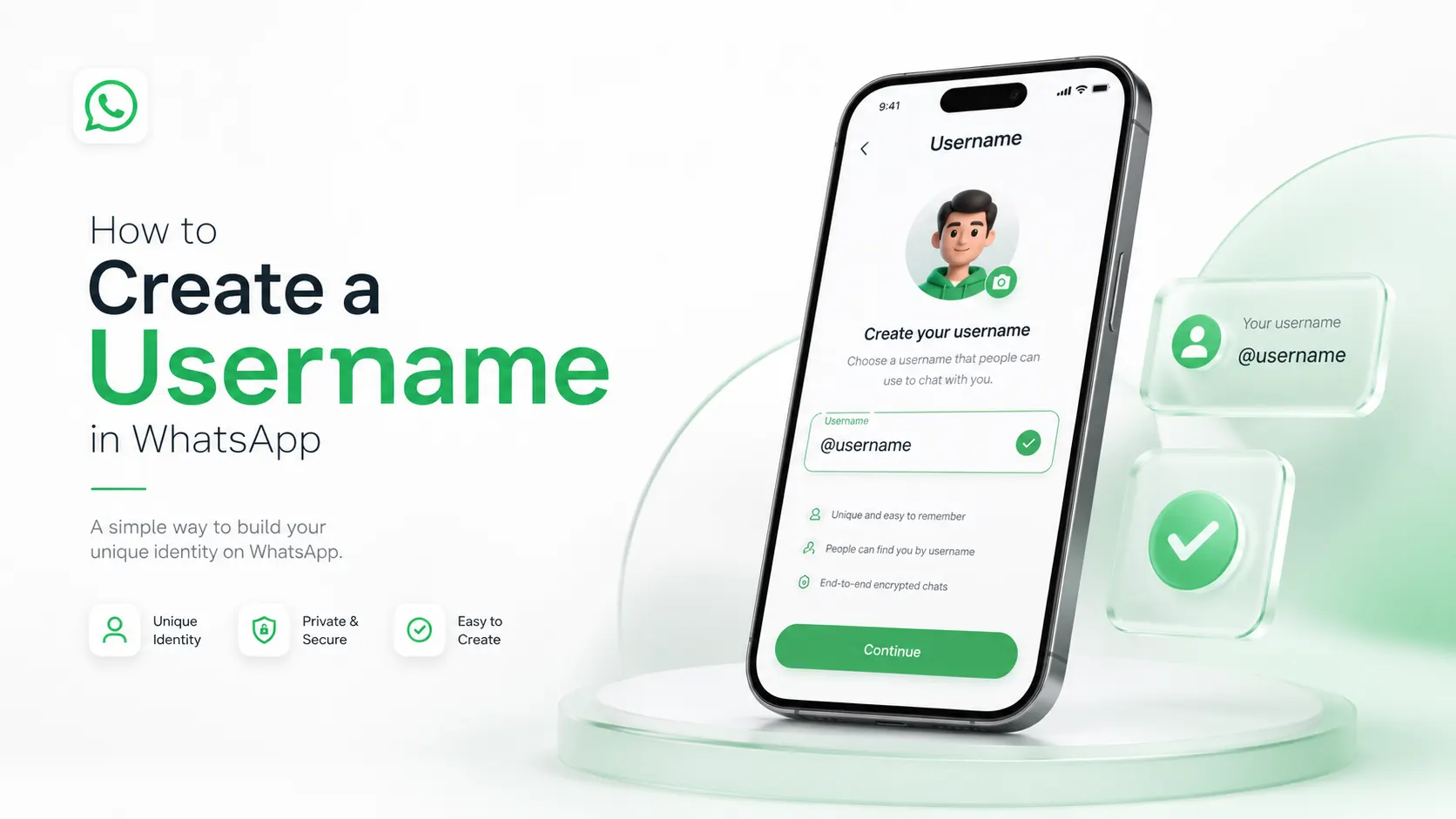
For years, WhatsApp users could only connect with others by sharing their direct mobile numbers. While this direct setup was simple, it posed substantial privacy concerns—especially when engaging in community groups, handling business leads, or communicating with unfamiliar contacts. To resolve this, WhatsApp introduced Usernames, empowering people to initiate conversations without ever disclosing their personal phone numbers. Here is your definitive step-by-step walkthrough on setting up, managing, and optimizing your WhatsApp username.
What Is a WhatsApp Username?
A WhatsApp Username is an exclusive, unique handle that enables people to discover and message you directly without needing access to your phone number. Much like handles on Instagram or Telegram, it acts as a secure identity layer on top of your existing WhatsApp profile.
Exposes your private mobile contact in public groups, business interactions, and external web links.
Shields your personal contact information while providing an easy-to-remember branded handle for messaging.
How to Create a Username in WhatsApp
Setting up your username takes less than a minute once the feature is active on your device. Follow these exact steps:
- Open WhatsApp: Launch the app on your Android or iOS device.
- Go to Settings: Tap the settings gear icon or the three-dot overflow menu.
- Open Your Profile: Tap your profile picture and name at the top.
- Select Username: Locate and tap the new Username field.
- Enter Your Desired Handle: Type your chosen personal or business name.
- Check Availability: WhatsApp will instantly verify whether the handle is open.
- Tap Save: Confirm your selection to bind the handle to your account.
- Share Securely: Use your new username on social links, business cards, and websites.
Rules for Creating a WhatsApp Username
To ensure consistency and platform security, WhatsApp applies specific validation guidelines to all username registrations:
- Uniqueness: Every username must be completely unique worldwide.
- Character Requirements: Handles can include alphanumeric characters (letters a–z and numbers 0–9).
- Symbol Restrictions: Permitted special characters (such as periods or underscores) are subject to formatting limits.
- No Web Prefixes: Usernames cannot begin with
www.or mimic official system domains. - Length Standards: Extremely short or confusingly abbreviated handles are restricted to prevent squatting.
- Community Standards: Misleading, trademark-infringing, or offensive terms are strictly barred.
- Editability: You can update or switch your handle in your profile settings whenever you wish.
Benefits of Using a WhatsApp Username
Adopting a username provides immediate operational and security improvements for daily messaging:
- Enhanced Personal Privacy: Your mobile number remains concealed during conversations with new acquaintances or business clients.
- Streamlined Sharing: Sharing a short, memorable handle is significantly cleaner than dictating country codes and phone numbers.
- Professional Business Communication: Brands, agencies, and consultants can brand their handles uniformly across omnichannel touchpoints.
- Safer Community Participation: Engage in large interest communities or marketplace groups without publishing your private contact data.
- Higher Brand Recall: A branded handle reinforces recognition far better than a standard string of 10 digits.
Who Can Use WhatsApp Usernames?
WhatsApp is deploying usernames in staged rollouts across global regions. If the option does not immediately appear in your profile settings:
- Ensure your application is updated to the newest version via the Google Play Store or Apple App Store.
- Participate in the official WhatsApp Beta program if you want early access to upcoming features.
- Recheck profile settings periodically as server-side activations continue rolling out.
Tips for Choosing the Perfect WhatsApp Username
Keep your handle concise, memorable, and aligned with your cross-platform branding. Avoid random numbers or excessive special characters that make typing difficult.
For service businesses and freelancers, securing your company name early ensures competitors cannot reserve your primary brand identity as the feature expands globally.
Conclusion
The introduction of WhatsApp Usernames represents a major milestone for privacy and business communication. By eliminating the necessity of publishing private phone numbers, WhatsApp provides a secure, streamlined method to connect with customers, communities, and global partners.
If you need assistance unifying your digital identity, setting up automated messaging funnels, or scaling omnichannel customer acquisition, reach out to our team at 4M Digital Marketing in Chennai to build a cohesive digital strategy.
Ready to upgrade your brand's digital presence?
Get a comprehensive review of your digital touchpoints, social channels, and customer communication workflows.
Frequently Asked Questions
How do I create a username in WhatsApp?
Go to WhatsApp > Settings > Profile > Username, enter your preferred username, check its availability, and tap Save.
Can I use WhatsApp without sharing my phone number?
Yes. Once your username is set up, you can share your username instead of your phone number in supported chats and communities, keeping your mobile contact private.
Can I change my WhatsApp username later?
Yes. You can edit your username at any time through your profile settings, provided your new choice is available and meets platform rules.
Is the WhatsApp username free?
Yes. Creating, maintaining, and sharing a WhatsApp username is completely free for both standard and business users.
Why can't I see the Username option?
The feature is rolling out in phased waves. Make sure your WhatsApp application is updated to the latest build, and check back as access reaches your region.
Can two people have the same username?
No. Every WhatsApp username is globally unique, functioning just like an email address or unique social media handle.
Does creating a username hide my phone number?
Your username allows people to discover and message you without you having to reveal your phone number, significantly boosting your personal and business privacy.
What makes a good WhatsApp username?
Choose a username that is simple, professional, memorable, easy to spell, and consistent with your personal identity or business brand across other digital platforms.